RESOLVE
TECH FRICTION.
The integrity of your session is our priority. In high-performance mobile gaming, a single millisecond of input lag or a dropped frame at level 3 isn't just a bug—it’s a disruption of the competitive flow. FIELDLINE support is engineered to treat these issues with technical rigor.
We don’t use generic scripts. Our support channel connects you directly with technical associates who understand Android 12+ thermal throttling, iOS 15 asset loading behaviors, and the precise nuances of South European server ping. Whether it's a persistent crash or a micro-delay, we provide the documentation and direct intervention required for resolution.
Technical tickets reviewed in under 2 hours during CET business hours.
Knowledge Base
Autonomous
Troubleshooting
Scan our verified solution database. We prioritize technical documentation over marketing explanations, focusing on hardware-level optimizations.
- • Verify OS version (min. Android 12 / iOS 15)
- • Clear shader cache in settings
- • Disable power-saving 'Battery Saver' modes
Unstable Framerate on 120Hz Displays +
Most 120Hz instability is caused by variable refresh rate (VRR) mismatches between the OS and our rendering engine. We recommend forcing a fixed refresh rate in your device's developer settings or ensuring 'Game Mode' is active to bypass background process interruptions.
DEBUG://render-sync-lock: 1; fps_limit: 120;
Input Latency During 5G Handover +
Micro-lag often occurring when moving between LTE and 5G nodes. Our internal netcode buffers the connection, but for competitive play, we strongly advise pinning your network to a single band (WiFi 6preferred) to avoid the 200ms handover spike.
Asset Loading Errors (Error 403-A) +
Usually indicates a checksum mismatch after a partial update. Utilize the 'Repair Assets' button in the login screen to force a delta-check of local storage files.
Support Logistics & Lexicon
Fieldline Lexicon
Packet Jitter
"Worse than high ping. We prioritize jitter stability over raw speed because consistency wins matches."
Tick Rate
"Our 64-tick servers are non-negotiable. If you feel 'ghost-hit', check your MTU settings before ticketing."
Thermal Ceiling
"Most 'bugs' are actually SoC downclocking. We suggest external cooling for 2h+ sessions."
Asset Purge
"A nuclear option for storage corruption. Effective, but cost-heavy on data usage."
Performance Trade-offs
Visual fidelity increases latency. For support resolution, we always optimize for Hz stability first.
Complex vibration patterns consume micro-threads. Disable for ultra-pure input response.
Wider matching pools result in varying latencies. Tight pools increase wait times but ensure fairness.
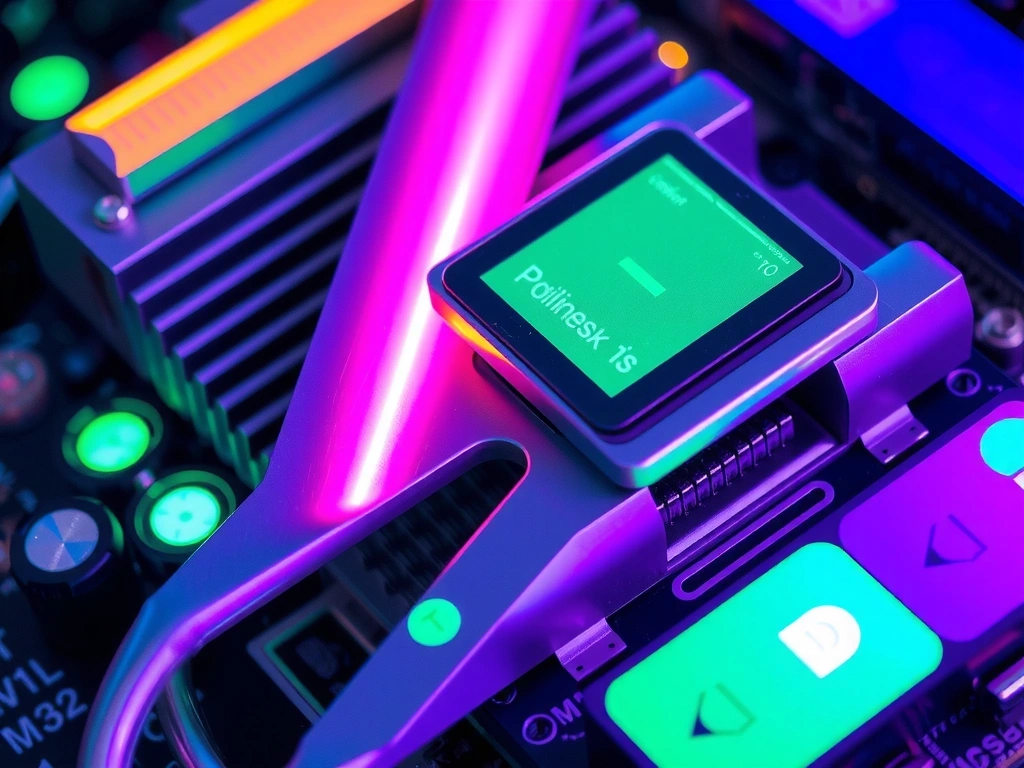
Visual Reference: SoC Heat Dissipation Mechanics
Direct Intervention
Escalate to Engineering
Case Study: Anonymized Incident #7721
"User reported a recurring freeze precisely at the end of ranked matches on iPad Pro 5th Gen. Our diagnostic logs revealed a memory leak in the asset unloading routine specific to M1 chips. The ticket was resolved within 24h via a silent server-side patch."
Italian Command
Center
Headquarters:
Via Roma 123, 00100 Roma, Italy
Technical Support Hours:
Monday – Friday: 09:00 – 18:00 CET
Direct Phoneline:
+39 06 1234 5678